

Installation
To get started, install the Inbox UI:- Next.js
- React
@novu/react requires React 18 or later. The package supports React ^18.0.0 and React 19 (^19.0.0). React 17 and below are not supported. When rendering the Inbox UI, you also need react-dom at the same version.- Next.js
- React
Add Novu Inbox to my Next.js app
Try Inbox in keyless mode
Keyless mode lets you test the look and features of the Inbox component instantly in your application, no setup required.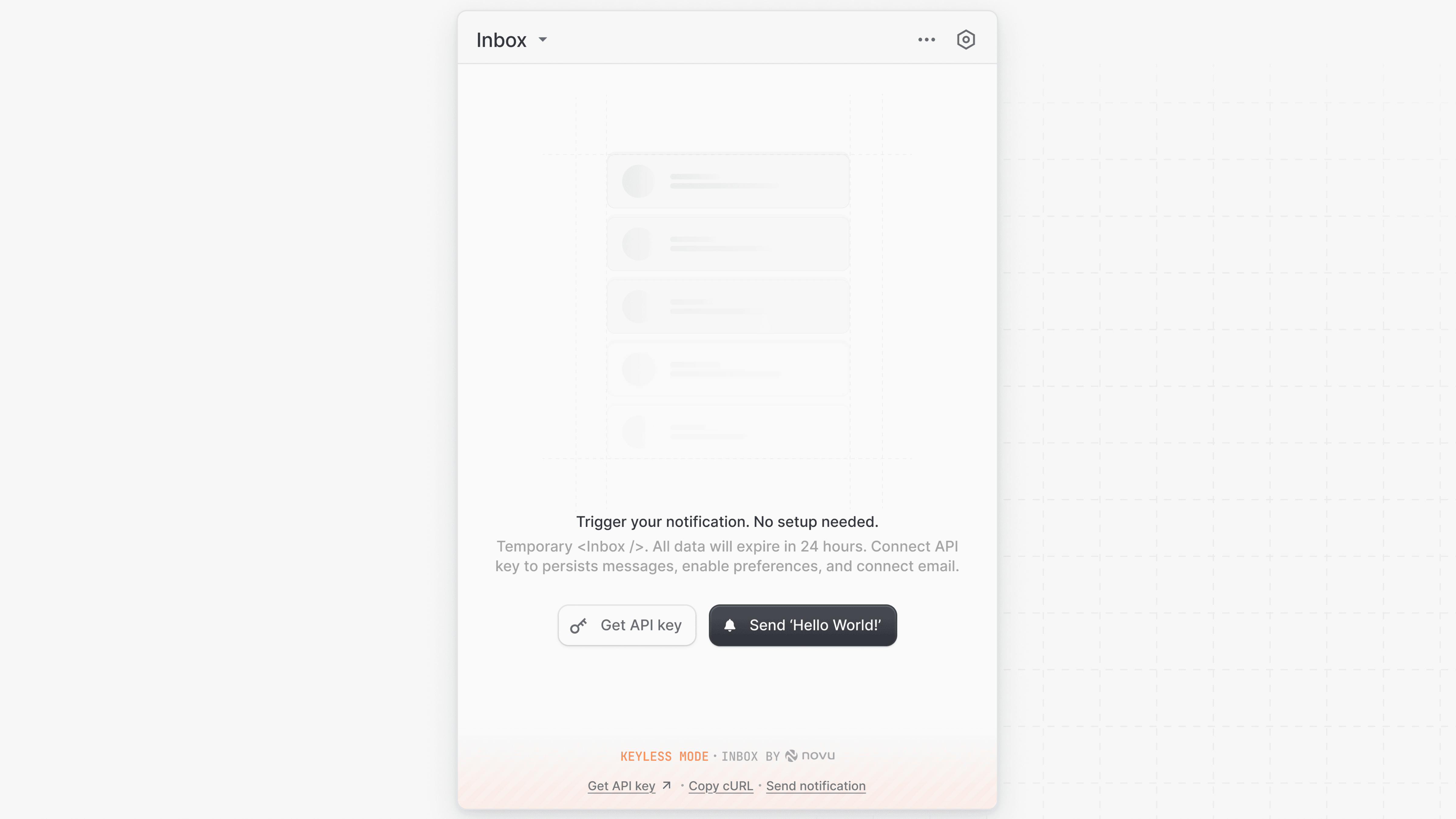
- Next.js
- React
This is only for testing, the data is temporary (expires in 24h) and not tied to real subscribers.
Use Inbox with real subscribers
To display real-time notifications for your subscribers, connect the Inbox component to your Novu environment using yourapplicationIdentifier and a subscriberId. You can create or manage subscribers from the Novu Dashboard.
US region (default)
- Next.js
- React
Sign in to get your own API keys
EU region
If your Novu account is in the EU region, then include thebackendUrl and socketUrl props to connect to EU-specific API endpoints:
- Next.js
- React
Sign in to get your own API keys
Pass subscriber profile fields
Pass asubscriber object instead of a subscriber ID string to set profile fields such as firstName, email, locale, and data on session init. New subscribers are created automatically; updating an existing profile requires HMAC encryption and subscriberHash.