

Setting up Firetext
Firetext is only available in the UK region. Other regions may require additional verification.
1
2
Connect Firetext to Novu
- Visit the Integrations page on Novu
- Click the “Add a provider” button
- Locate firetext under the SMS section and click on the Connect button
- Enter your:
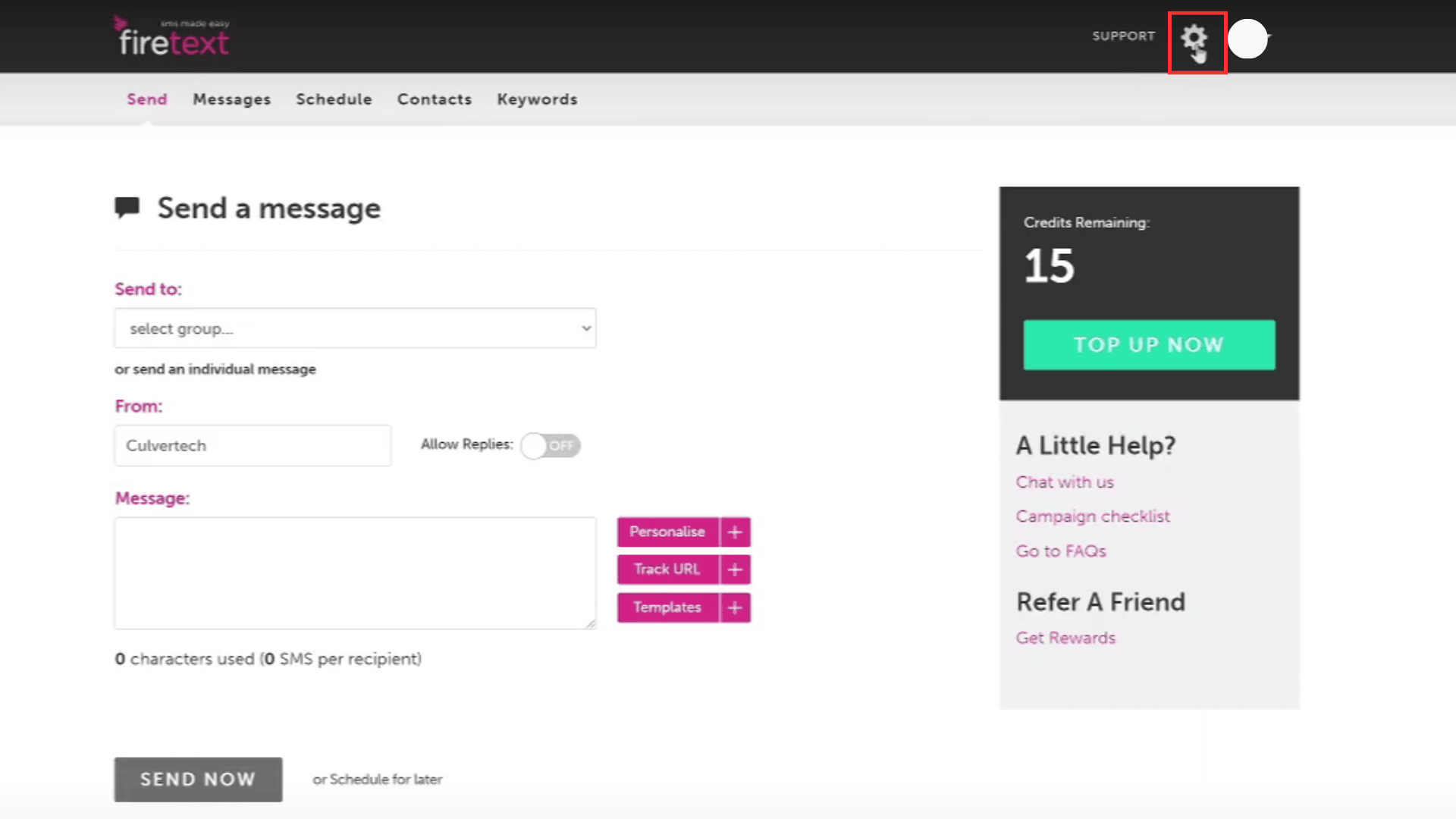
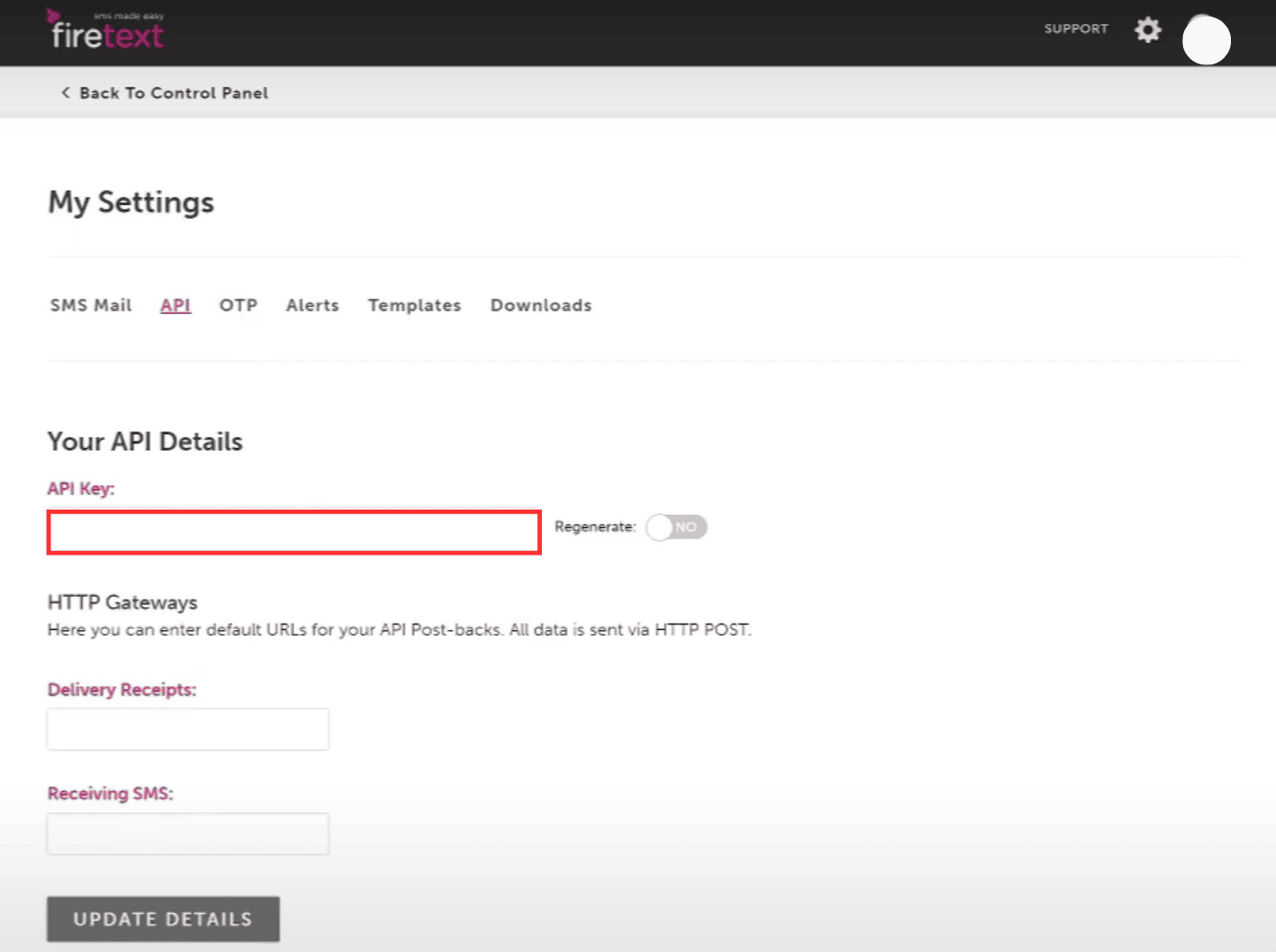
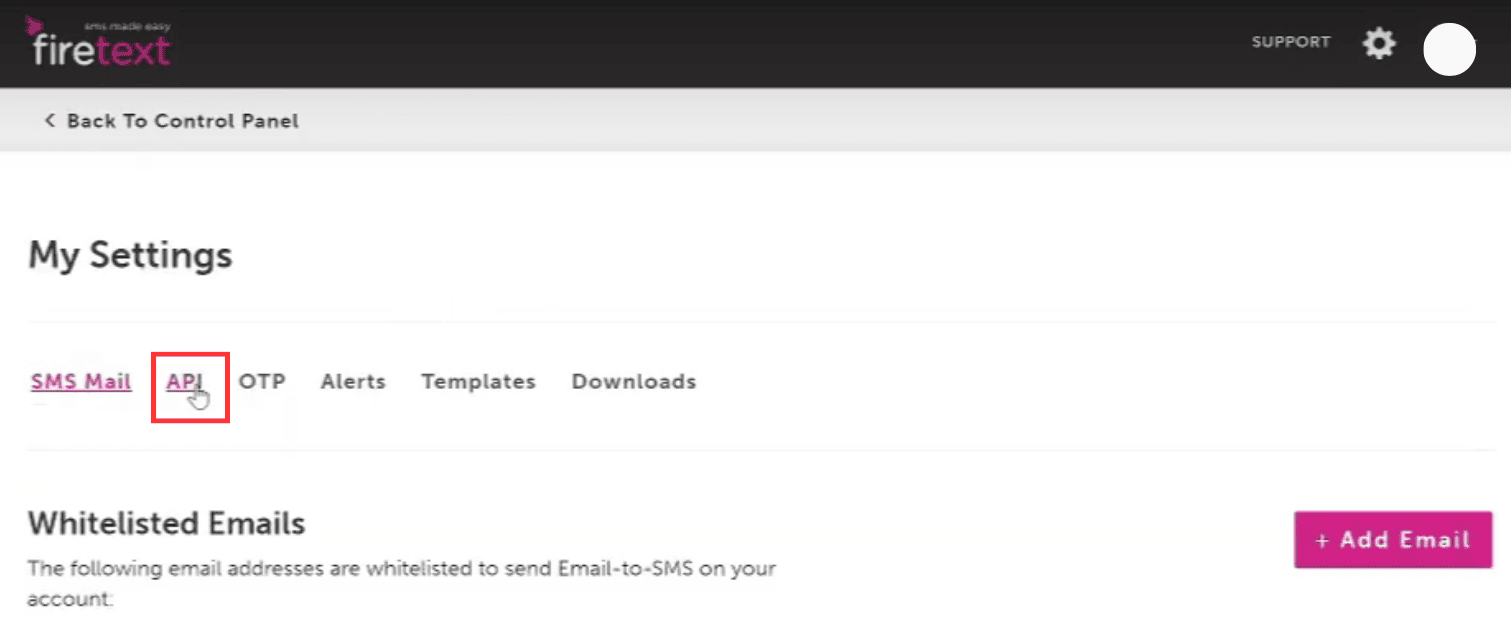
- Firetext API Key
- From field (Sender ID)
- Click on the
Disabledbutton and mark it asActive - Click on the Connect button