

Setting up Infobip
1
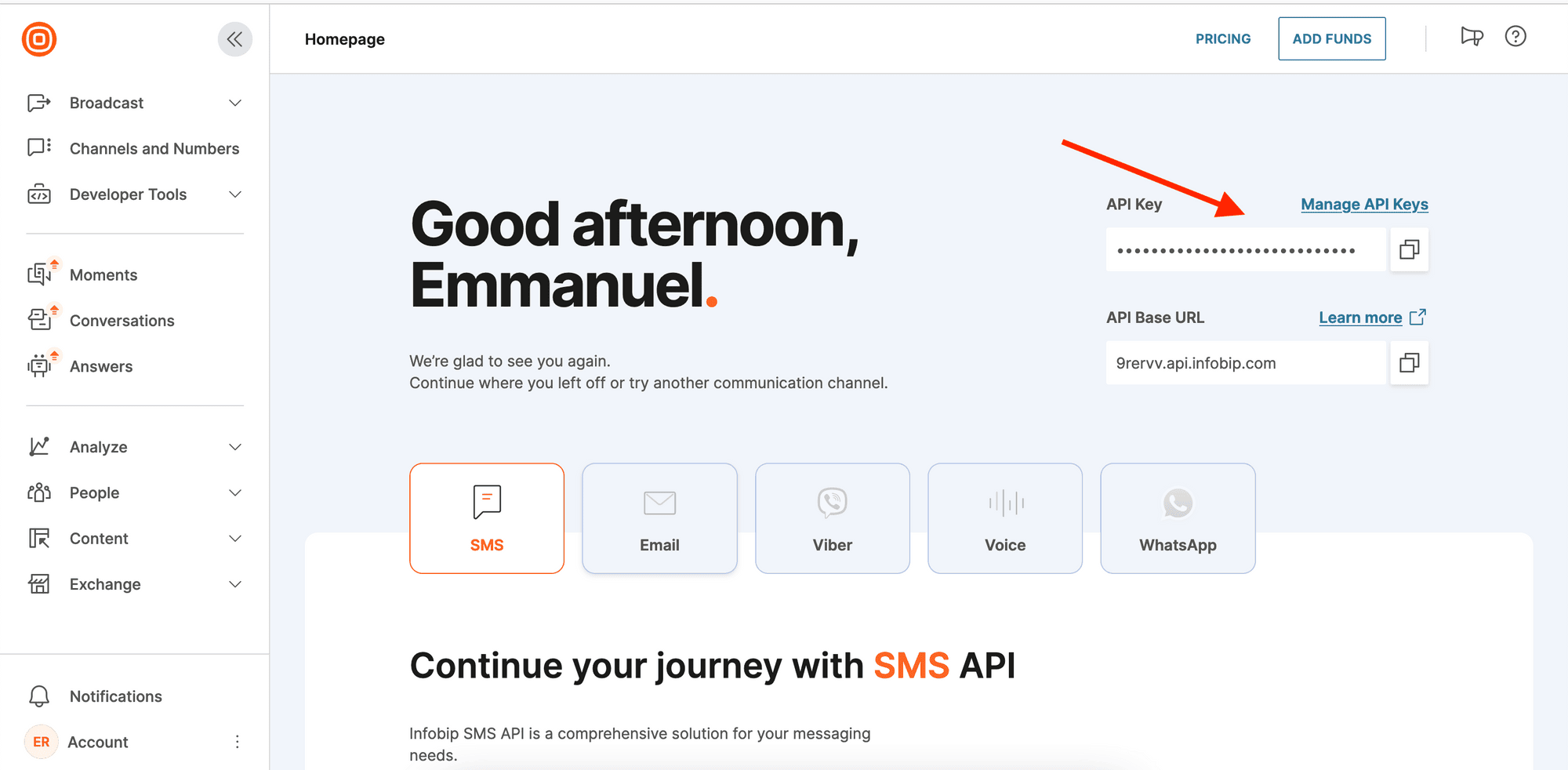
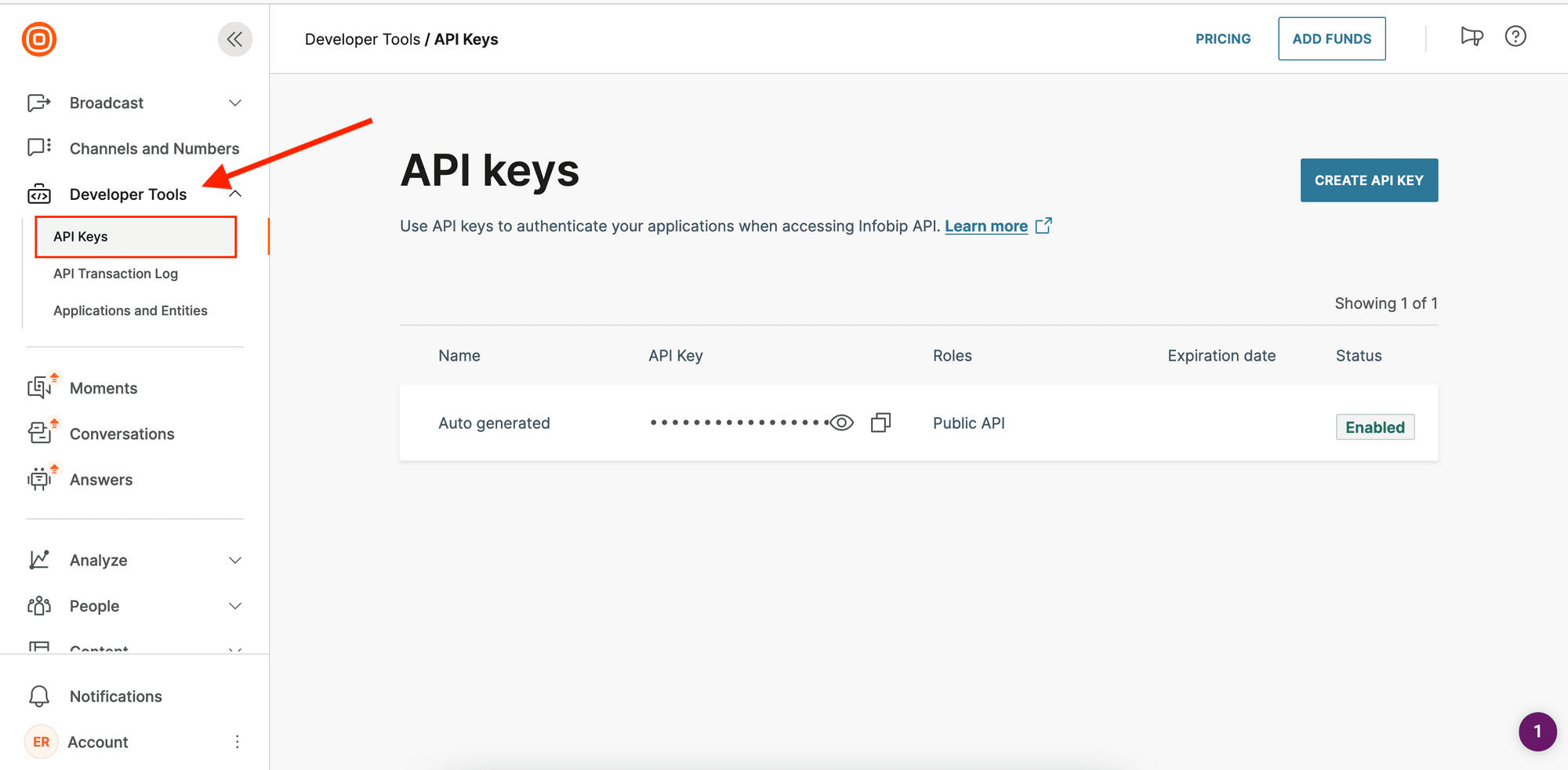
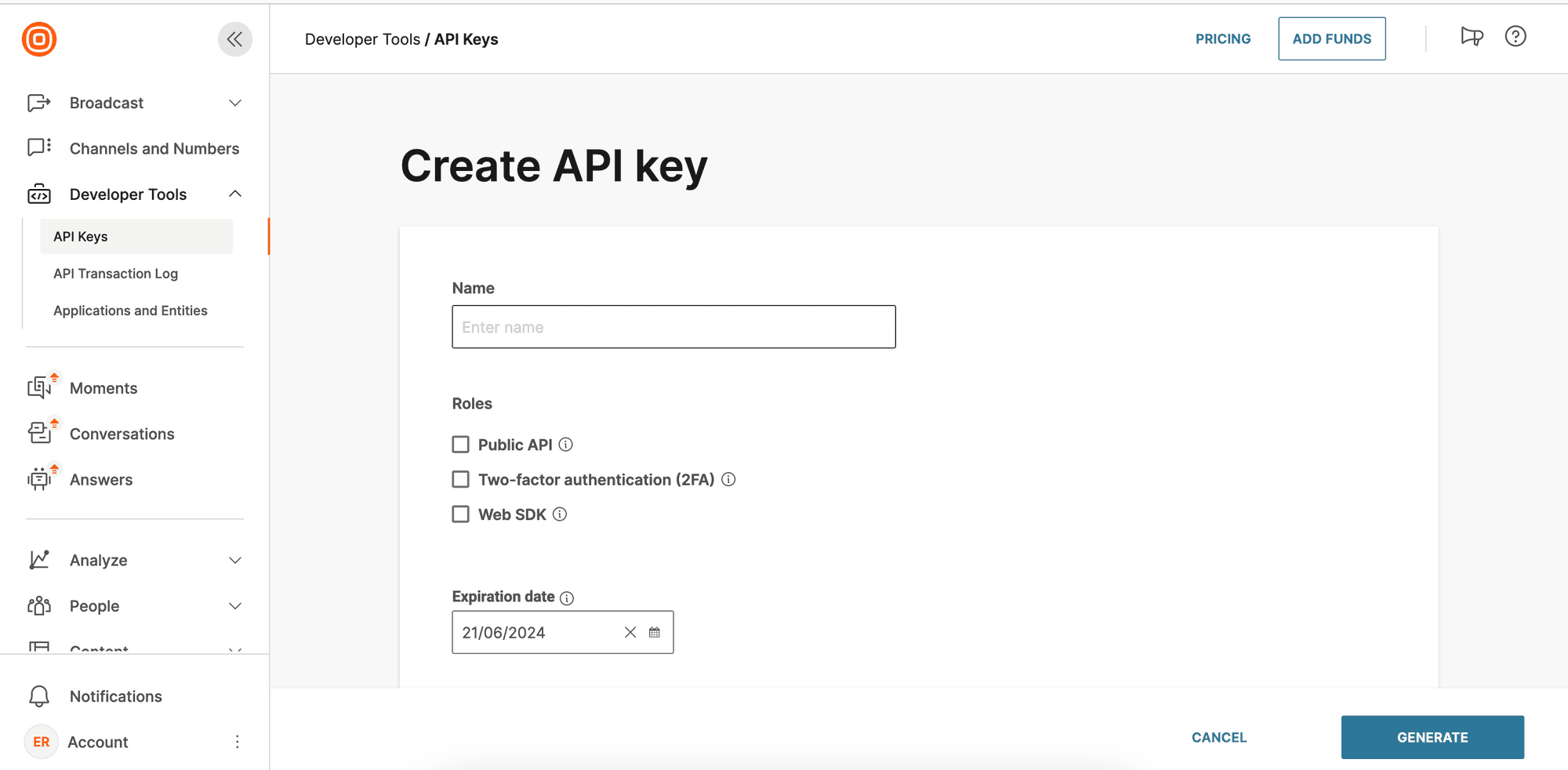
2
Get your Base URL
Log in to your account and check your Homepage. You should see your base URL in this format: 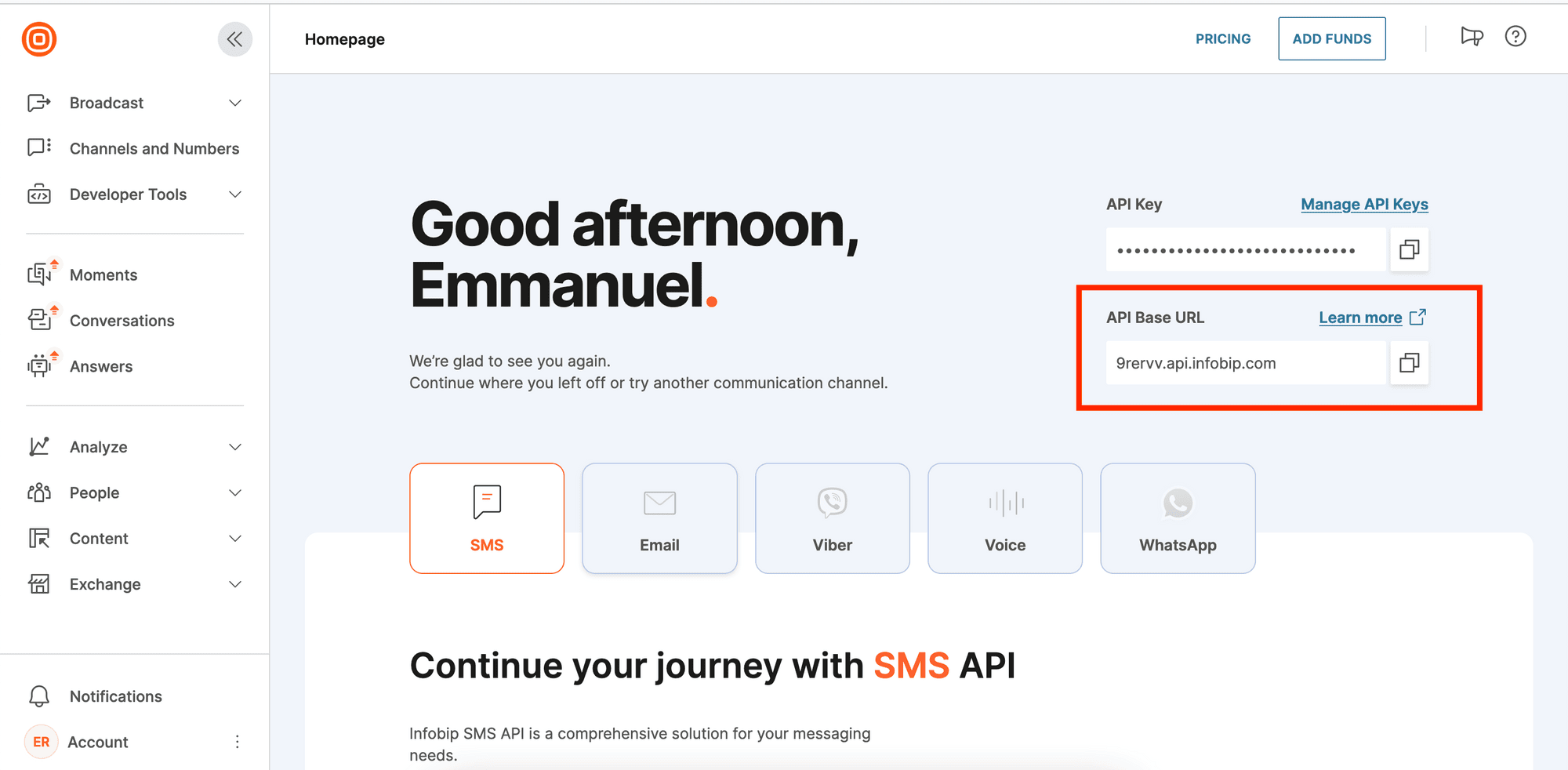
xxxxx.api.infobip.com.3
Connect Infobip to Novu
- Visit the Integrations page on Novu
- Click the “Add a provider” button
- Locate Infobip under the SMS section and click on the Connect button
- Enter your:
- Infobip API Key
- Base URL
- Click on the
Disabledbutton and mark it asActive - Click on the Connect button